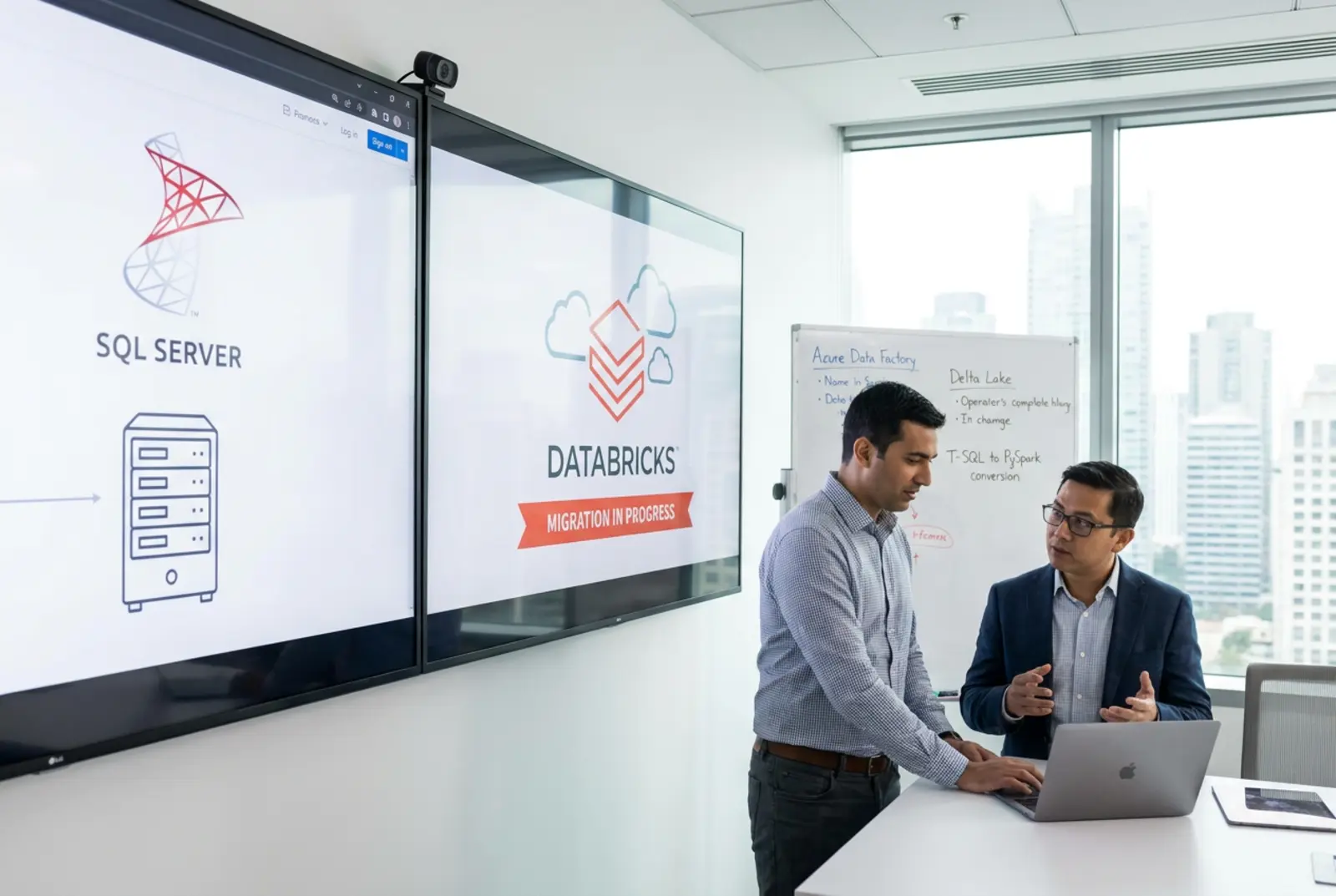
A SQL Server to Databricks migration works when you treat it as four jobs, not one. Translate T-SQL to Databricks SQL. Rebuild SSIS packages as Lakeflow pipelines. Move change data capture into Lakeflow Connect. Retrain your SQL Server analysts. Then mirror first, cut over one business domain at a time, and prove KPI parity before anyone switches reports.
In 30+ years of Fortune 500 consulting, I’ve watched data migrations fail for the same reason again and again. Teams treat them as a copy job. They move the tables, repoint the reports, and find out weeks later that half the business logic lived in a stored procedure nobody had opened in years.
The deadline has already passed. Microsoft ended extended support for SQL Server 2016 on July 14, 2026, according to its lifecycle page. Since that date, security updates come only through paid Extended Security Updates. If you still run it, you are paying for those updates or running unpatched, and the choice between upgrading the box and moving to the lakehouse can’t wait.
This guide covers the four jobs that matter: the code, the pipelines, the change data and the people.
Why do SQL Server to Databricks migrations stall?
They stall because the old system holds decisions, not just data. Every stored procedure, SSIS package and linked server encodes a business rule somebody made years ago. Move to a Databricks lakehouse and all of those rules surface at once.
SSIS packages hide the business logic
Most Microsoft shops run SSIS for everything from flat-file loads to revenue rules. Those packages are often undocumented and tied tightly to the database engine. Copy that execution model onto distributed compute and you pay more for slower jobs.
The fix is to break each monolithic package into small, testable tasks with a clear owner.
Nightly batch windows become the bottleneck
Nightly extracts and linked-server queries worked when reports ran once a day. Operations teams now want current numbers by mid-morning. Continuous ingestion into the lakehouse replaces the batch window, but only after you untangle everything that depends on it.
This is where Lean Six Sigma earns its place. Map the flow, name every hop that adds no value, and cut it before you rebuild.
Cost moves from a sunk server to a metered bill
Your SQL Server hardware and licenses are already paid for, so nobody asks what a single query costs. On Databricks, compute is billed by use. A badly written job or a cluster left running shows up on the invoice, and a finance team that budgeted for a server has no model for that.
Build the forecast from real workloads, not guesses. Set auto-termination on every cluster, tag each job by business domain, and review the billing system tables weekly during the mirror phase. By the time you cut over, you know what each domain costs to run.
Relational experts face a new set of rules
Your best analysts know SQL Server cold. They understand index fragmentation, transaction logs and tempdb contention. On Databricks, file layout, liquid clustering and Delta table statistics drive performance instead.
That gap is a people problem as much as a technical one. Plan the reskilling with the same rigor you bring to the code.
What maps cleanly from T-SQL to Databricks SQL, and what does not?
Databricks SQL follows ANSI SQL. T-SQL carries decades of Microsoft extensions. The good news: standard SELECT, JOIN and GROUP BY statements, window functions and common table expressions move with little or no change.
The SQL Server to Databricks data type mapping is mostly direct, with a few traps:
- VARCHAR, NVARCHAR and CHAR become STRING.
- BIT becomes BOOLEAN.
- DECIMAL(p,s) keeps its precision and scale, up to 38 digits. MONEY maps to DECIMAL(19,4).
- DATETIME2 maps to TIMESTAMP_NTZ, which keeps it time-zone-naive. Databricks stores microseconds, so DATETIME2’s 100-nanosecond precision gets truncated.
- DATETIMEOFFSET maps to TIMESTAMP, which normalizes to UTC. The original offset is lost unless you store it in its own column.
- UNIQUEIDENTIFIER becomes STRING. Cast it explicitly on the first read.
The gaps take real work:
- CROSS APPLY becomes a LATERAL subquery or a standard join. For arrays, use LATERAL VIEW with explode().
- GETDATE() becomes current_timestamp(). TOP becomes LIMIT.
- ISNULL(a, b) becomes coalesce(a, b). In Databricks, isnull() takes one argument and returns true or false, so a blind find-and-replace breaks your queries.
- IDENTITY columns become GENERATED AS IDENTITY on Delta tables. Values are unique but not guaranteed to be consecutive, so never use them to detect missing rows.
- Cursor loops and temp tables become set-based queries, CTEs and temporary views.
- XML and JSON parsing needs a rewrite. OPENJSON and JSON_VALUE become from_json() or the colon path syntax, such as raw:customer.id. The XML data type lands as STRING, and you parse it with from_xml(). FOR XML PATH string aggregation becomes array_join(collect_list()). Deeply nested legacy XML is where conversion estimates go wrong, so profile those columns before you size the project.
AI-assisted ETL migration speeds up the syntax work. Databricks Assistant can explain an inherited stored procedure in plain English and draft a Databricks SQL version for review. Generative AI code refactoring handles the repetitive patterns well: ISNULL swaps, TOP to LIMIT, cursor loops rewritten as set-based queries. What it can’t know is why a business rule exists. Treat its output as a first draft, never as a finished migration.
Don’t assume any stored procedure behaves the same after translation, whether a person or a model wrote it. We run every one through the AIM-IT Framework. Assess what it actually does. Innovate the logic for distributed compute. Model the new pipeline, implement it, and track its output against the old one.
Should you rebuild SSIS packages as Lakeflow pipelines or lift and shift them?
Every SSIS to Databricks migration forces one decision early: keep the packages or rebuild them. SSIS packages don’t run on Databricks compute. They need an SSIS runtime somewhere, which usually means the Azure-SSIS integration runtime in Azure Data Factory.
That bridge works as a stopgap. It also means you run and pay for two platforms, and your logic stays locked in a format the lakehouse can’t see.
| Approach | What happens to SSIS and T-SQL | Where it runs | Ongoing maintenance | Best fit |
|---|---|---|---|---|
| Rebuild natively on the lakehouse (recommended) | Logic rewritten in Databricks SQL or PySpark; staging hops removed | Lakeflow pipelines on Databricks compute, governed by Unity Catalog | Lower: no OS, SSIS runtime or index patching | Teams retiring SQL Server for good |
| Lift-and-shift to a cloud VM | SSIS and T-SQL kept as-is | A single SQL Server instance on a VM | High: OS, patching, licensing and index care stay with you | Cloud data platform modernization and fast data center exit |
| Run SSIS in Azure Data Factory | Packages unchanged, executed outside Databricks | Azure-SSIS integration runtime feeding the lakehouse | Medium: two platforms to run and pay for | A bridge while you rebuild |
| AI-assisted automated code conversion | SQL or PySpark generated from T-SQL and SSIS | Databricks, often carrying single-server patterns | Medium: converted code needs review and tuning | Large estates of simple, repetitive packages |
I recommend rebuilding. This is where Lakeflow and Lean Six Sigma work together. You strip out redundant staging tables and extra data hops before you write a line of new code. Loop containers, script tasks and control flow become clean, declarative pipelines.
Lakeflow gives you dependency management, retries and data quality expectations built in. The logic lives in Databricks SQL or PySpark, in version control, where any engineer can read it and debug it.
How does CDC from SQL Server work with Lakeflow Connect?
Nightly batch can’t keep up with operational reporting. SQL Server CDC to Databricks moves only committed inserts, updates and deletes, so downstream tables stay current without full reloads.
Lakeflow Connect has a managed SQL Server connector. According to Microsoft’s Azure Databricks documentation, it runs in two parts:
- An ingestion gateway reads snapshots and changes from SQL Server change tracking or CDC and stages them in a Unity Catalog volume. It runs continuously, because the source truncates its change logs on a retention schedule.
- An ingestion pipeline on serverless compute applies those changes to streaming tables in your bronze layer, on a schedule you set.
Three details trip teams up. History tracking (SCD type 2) requires CDC on the source, because change tracking supports only SCD type 1. CDC and change tracking must run on the primary instance, not a read replica. On-premises servers connect through Azure ExpressRoute or AWS Direct Connect.
For sources the connector doesn’t cover, AUTO CDC in Lakeflow pipelines does the merge work. You declare the keys and a SEQUENCE BY column, and it applies out-of-order changes correctly as SCD type 1 or type 2. That’s Databricks and data engineering doing the job replication servers used to do, with no separate license to manage.
Why mirror first and cut over by domain?
The riskiest plan is the single-weekend cutover. Flip the switch Friday night and hope it works Monday morning. Don’t do it.
Mirror first. Keep SQL Server as the system of record. Replicate raw data into bronze with continuous ingestion, then build silver and gold tables on top. The medallion architecture maps cleanly from SQL Server: staging tables become bronze, cleansed and conformed tables become silver, and reporting marts become gold. Business users compare the new numbers against their existing SSRS or Power BI reports, side by side, before anything changes.
Then cut over by domain. Move finance, validate it and repoint the finance reports. Then supply chain. Then the next one. Each domain is a contained risk, and each clean cutover builds trust for the next. Because the old system keeps serving reports until each domain proves itself, this is as close as a legacy database migration gets to zero downtime.
Secure. Solve. Scale. Secure the data with a mirror, solve one domain at a time, then scale the pattern across the business.
What feels familiar to SQL Server analysts, and what does not?
Technology is half the job. When you migrate SQL Server to Databricks, the people who know the old system are your most valuable asset. Treat them that way.
A lot carries over. Cardinality, join strategy and business-rule mapping still matter. A clean SQL query is still a clean SQL query. Unity Catalog uses familiar GRANT and REVOKE syntax for permissions, so governance feels recognizable on day one.
The new parts are storage and compute. Data sits in open Delta and Parquet files in cloud object storage, not in MDF files on a server. Performance comes from file pruning and clustering, not covering indexes. Compute starts and stops on demand.
PySpark is the bigger shock. Developers who have only ever written T-SQL open a notebook, see DataFrames and lazy evaluation, and assume their skills no longer count. They do. Start them in Databricks SQL, where most pipeline logic can live, and bring in PySpark only for the jobs that need it, such as complex parsing or reusable functions.
Pair each analyst with a real workload, not a training video. When analysts learn on their own data, the old knowledge stays in the room.
How do you validate the migration: row counts, checksums and KPI parity?
Trust is the currency of any platform move. If business users find one bad number in week one, they will ask for the old system back. Validation is not optional.
Automate three levels of checks between source and target:
- Row counts. Every source table matches its bronze table, load by load.
- Checksums. Hash critical columns on both sides, especially money and dates, to catch truncation and type drift.
- KPI parity. Metrics from the old stored procedures match the new gold tables exactly. If SQL Server reports one monthly revenue figure, Databricks reports the same figure to the cent.
Any variance stops the cutover for that domain until someone explains it. Watch the DATETIME2 and MONEY mappings above. They are common sources of checksum mismatches.
Which cutover strategy fits your lakehouse migration?
Three factors decide it: how complex your SSIS estate is, how ready your analysts are, and how much downtime the business will tolerate.
- Few packages, a strong SQL team and low tolerance for downtime: rebuild in Lakeflow, mirror, and cut over domain by domain.
- Hundreds of packages and a hard data center exit date: run SSIS in Azure Data Factory as a bridge, mirror into the lakehouse, and rebuild the highest-value packages first.
- SQL Server 2016 or older, now past end of support: don’t pay to upgrade or extend a box you plan to retire. Put that budget into the mirror.
Most platform failures I’ve seen are process failures, not technology failures. Fix the process, then move the data. Our Teradata to Databricks migration guide shows the same mirror-first pattern on a different source system.
Your next step this week: inventory every SSIS package and stored procedure, tag each one by business domain, and pick the first domain to mirror. When you want a second set of eyes on that list, see how we run lakehouse migrations with the AIM-IT Framework, then contact us to scope your SQL Server estate.
Frequently Asked Questions (FAQs)
Can we migrate SSIS directly to Databricks?
No. SSIS packages need an SSIS runtime, so they don’t run on Databricks compute. You can run them from the Azure-SSIS integration runtime as a short-term bridge, or rebuild the logic in Lakeflow. Rebuilding removes the second platform and puts your logic in version control.
What is the best way to handle SQL Server CDC to Databricks?
Use the Lakeflow Connect SQL Server connector. An ingestion gateway reads change tracking or CDC from the primary instance and stages the changes in Unity Catalog. A serverless ingestion pipeline applies them to Delta streaming tables. If you need SCD type 2 history, enable CDC, not just change tracking. On-premises servers connect over Azure ExpressRoute or AWS Direct Connect.
Do we need to rewrite all our T-SQL stored procedures?
Not all of them. Standard ANSI queries, CTEs and window functions move with minor edits. Cursor loops, temp tables, CROSS APPLY, XML parsing and T-SQL functions such as ISNULL and GETDATE need rewriting. Convert procedural logic into set-based, declarative pipelines as you go.
How can AI and Databricks Assistant accelerate T-SQL to Databricks SQL translation?
Databricks Assistant can explain an unfamiliar stored procedure, draft a Databricks SQL or PySpark version, and suggest fixes when a query fails. AI-assisted conversion handles the repetitive syntax work well. It doesn’t know your business rules, so every translated procedure still goes through row-count, checksum and KPI parity checks before it reaches a report.
How long does a typical SQL Server to Databricks migration take?
There is no honest single number. The timeline depends on how many SSIS packages and stored procedures you run, how many business domains you cut over, and how fast business users sign off on parity. Mirroring the first domain gives you the most reliable estimate, because it shows the real translation and validation effort per package.