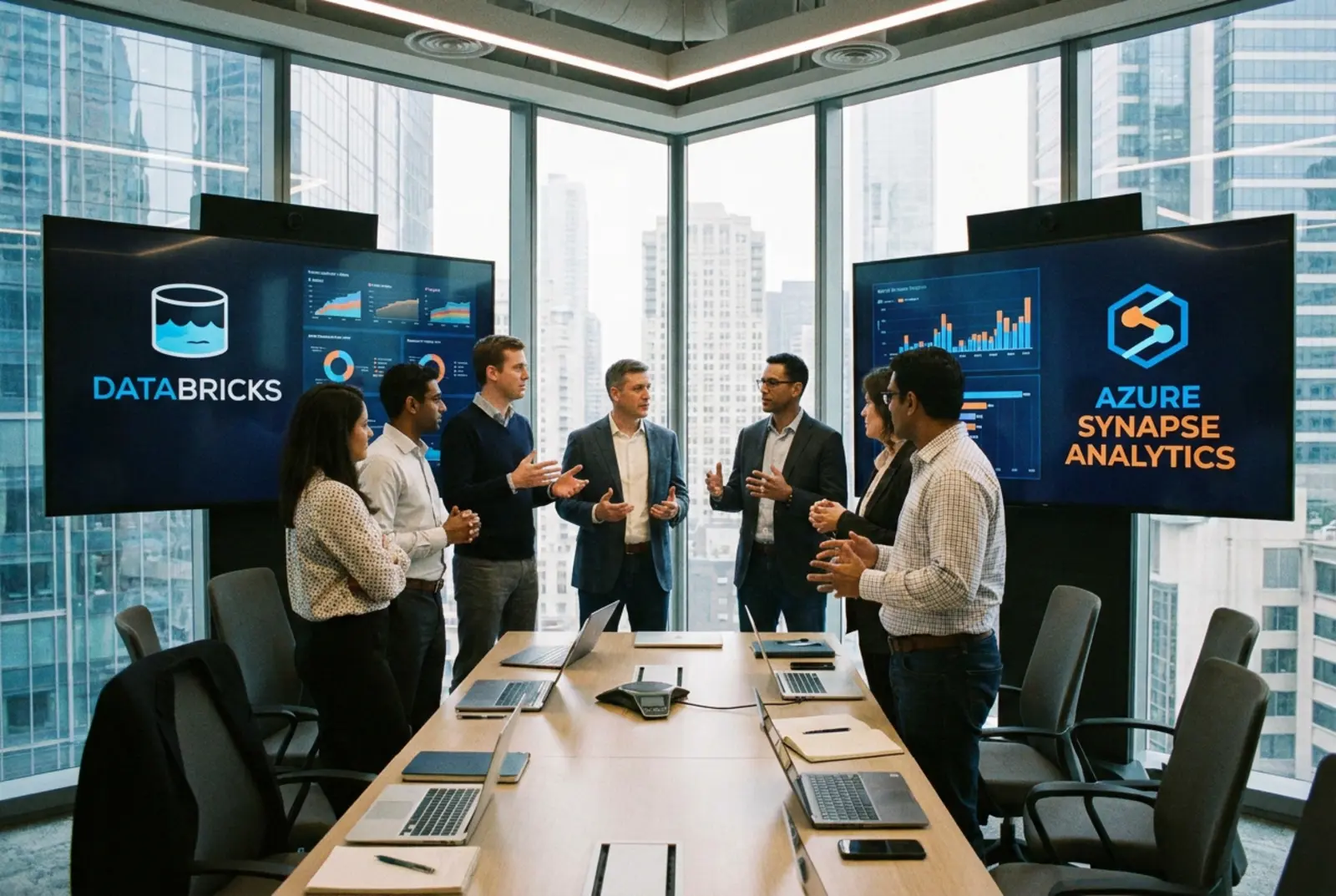
Azure Synapse is Microsoft’s SQL warehouse and Spark workspace. Microsoft Fabric is its newer SaaS analytics suite built on OneLake. Azure Databricks is the lakehouse for heavy data engineering, streaming and AI on governed data. For most Azure shops, I recommend Databricks for engineering and GenAI, Fabric or Power BI for reporting, and a planned exit from Synapse.
At IBM I learned a hard lesson about data platforms. If you put a new engine on top of a broken data model, you just fail faster. Azure shops still repeat this mistake. They buy a second analytics platform before they fix the first one.
Generative AI makes that mistake more expensive. A retrieval-augmented generation (RAG) assistant answers from whatever your tables hold. When a silver table drifts, the model does not flag it. It gives a confident wrong answer to a customer or an executive, and nobody can trace where the bad record came from.
Bad data was already expensive before anyone asked a model to read it. Gartner estimates that poor data quality costs organizations an average of $12.9 million every year. A new platform does not fix that number. A governed design and a disciplined process do.
Azure leaders now have three options. Synapse still runs plenty of SQL pools in production. Fabric is the SaaS suite Microsoft promotes hardest. Azure Databricks is the lakehouse built for scale, data engineering and AI. Here is how I tell them apart, working from first principles rather than vendor slides.
Why is the Azure analytics choice so hard?
The hardest part is not the technology. It is fragmentation. Business units spin up different compute engines for separate projects, and nobody owns the whole picture.
Add a short bench of data engineers and the problems stack up fast. Nobody is sure who owns what. Standards drift. Schema changes break downstream tables without warning, and data scientists end up training models on data that changed under them.
Then the budget takes the hit. Without a clear migration path, you keep paying for the legacy warehouse while you also pay for the new platform. You get two bills and no AI readiness. That is why the Databricks vs Synapse question deserves a hard look before anyone signs a contract.
What do Synapse dedicated and serverless SQL pools actually do?
To settle Azure Synapse vs Databricks, start with where Synapse came from. Microsoft built Azure Synapse Analytics on Azure SQL Data Warehouse. It put SQL warehousing, Spark and pipelines in one workspace.
Synapse offers two SQL compute models:
- Dedicated SQL pools reserve compute for structured warehousing. They suit predictable queries against heavily modeled relational data.
- Serverless SQL pools query files in the data lake with T-SQL, with no standing infrastructure. They suit ad hoc exploration.
Synapse also has Spark pools, and in my experience that is where teams run into trouble. Complex machine learning pipelines on Synapse Spark hit library management headaches and performance ceilings. A purpose-built lakehouse avoids both.
Where does Microsoft Fabric fit, and what happens to Synapse?
Fabric changed the conversation. In any Databricks, Synapse and Fabric comparison, be clear on what Fabric is. It is a SaaS platform that bundles Power BI, Synapse-style engineering and warehousing, and Data Factory. All of its data lands in OneLake in the open Delta Parquet format.
Microsoft still supports Synapse, but it presents Fabric as the future of its analytics stack. New features land in Fabric. Plan with that in mind, and set your own exit timeline before an end-of-life notice sets it for you.
Fabric simplifies the stack for teams that rely heavily on Power BI and want little admin overhead. Some teams need deep customization, complex streaming ingestion and strict infrastructure-as-code deployments. For them, a pure SaaS model gets restrictive fast.
What makes Azure Databricks the lakehouse option?
Azure Databricks comes from the team that created Apache Spark, and Databricks pioneered the lakehouse. It combines the reliability of a warehouse with the flexibility of a data lake. Structured and unstructured data live on one governed platform.
When we build these environments at Analytics AIML, we start from first principles. Data moves through a medallion architecture. Bronze holds raw data, silver holds cleaned and conformed data, and gold holds business-ready data. Auto Loader picks up new files incrementally as they land in cloud storage. AUTO CDC in Lakeflow pipelines handles change data capture, and SEQUENCE BY keeps out-of-order records in the right sequence.
Data engineers and data scientists work on the same governed tables, not on copies. That is Databricks data engineering done right: Secure. Solve. Scale. For the full reference design, see our guide to Azure Databricks architecture.
Databricks vs Synapse cost comparison: how do billing and governance differ?
The billing models are very different. Synapse dedicated pools bill for provisioned compute every hour they run, whether or not anyone queries them, until you pause them. Serverless pools bill by the amount of data processed. Fabric sells a capacity that every workload draws from, from data integration to Power BI rendering.
Azure Databricks separates compute from storage. You pay for Databricks Units (DBUs) and the underlying virtual machines only while a cluster or SQL warehouse is running. Auto-termination and right-sized clusters stop idle compute from costing you money.
Governance is where Databricks pulls ahead. Unity Catalog manages fine-grained access control, lineage and auditing across every workspace, covering tables, files and AI models. On Unity Catalog vs OneLake security, the difference is reach: OneLake security governs Fabric items inside your tenant, while Unity Catalog spans workspaces and clouds. Older Synapse estates piece governance together with Microsoft Purview. Unity Catalog runs on the Premium tier, so read our breakdown of Azure Databricks Premium before you set a budget.
What changes when GenAI and RAG workloads arrive?
Most Azure analytics estates were designed for dashboards. Generative AI asks different things of the data platform, and three problems surface fast.
- No native vector search in Synapse: RAG projects on a Synapse estate bolt on a separate service such as Azure AI Search. That adds another copy of the data, another sync job and another access boundary to govern.
- Fabric lock-in: The worry is real but narrower than it looks. OneLake stores open Delta Parquet, so the tables stay portable. What is harder to move is the capacity commitment and any logic built on Fabric-only items. Price the exit before you commit.
- Runaway AI compute: A GPU cluster or an oversized notebook left running burns budget around the clock. On Fabric, a heavy AI job draws from the same capacity as Power BI and can throttle your reports.
Databricks keeps the enterprise RAG data architecture inside the lakehouse. Databricks Vector Search builds indexes that sync from Delta tables, so the vectors sit under the same Unity Catalog permissions as the source data. Delta Sharing gives partners zero-copy data sharing from those governed tables. Cluster policies and auto-termination put a ceiling on AI compute before it reaches the invoice.
Azure Databricks vs Synapse vs Fabric for GenAI: which fits which workload?
| Platform | What it is | Best for | How you pay | Governance | GenAI and RAG readiness |
|---|---|---|---|---|---|
| Azure Databricks | Lakehouse on Delta Lake with Spark, SQL and AI | Heavy data engineering, streaming, machine learning and AI on governed data | DBUs plus Azure VMs, or serverless DBUs, billed while compute runs | Unity Catalog: access control, lineage and auditing across workspaces | Vector Search synced from Delta tables, governed by Unity Catalog |
| Microsoft Fabric | SaaS analytics suite on OneLake | Power BI-centric teams that want low admin overhead | Fabric capacity shared across all workloads | OneLake security plus Microsoft Purview | Copilot built in; AI jobs share capacity with reporting |
| Synapse dedicated SQL pool | Provisioned data warehouse | Predictable SQL reporting on modeled data | Data Warehouse Units billed while running; pause to stop compute charges | Synapse RBAC, SQL permissions and Purview | No native vector search; RAG needs a separate service |
| Synapse serverless SQL pool | Pay-per-query T-SQL over the data lake | Ad hoc exploration of lake files | Billed by data processed | SQL permissions plus storage access controls | No native vector search; RAG needs a separate service |
How do you migrate from Synapse to Databricks?
A Synapse to Databricks migration is mostly a logic conversion job. You refactor the T-SQL stored procedures from dedicated pools into Databricks SQL or PySpark. This is where Lean Six Sigma process improvement matters most. A lift and shift carries bad logic into a faster engine, and you fail faster.
We run every migration through our AIM-IT Framework:
- Assess: Map the existing pipelines, then flag bottlenecks and redundant steps.
- Innovate: Redesign the workflow before you write a line of PySpark.
- Model: Rebuild the data flows as Delta tables in bronze, silver and gold.
- Implement: Replace brittle scheduled batches with incremental pipelines so gold tables stay current.
- Track: Check row counts and KPI parity before cutover, then keep monitoring after.
Orchestration needs the same care. Decide which jobs stay in Azure Data Factory and which move into Databricks, or downstream reports break at cutover. Our comparison of Azure Data Factory vs Databricks covers that split.
What should you settle before you commit Azure analytics budget?
Your compute engine decides how well you adapt to generative AI and agentic workflows over the next five years. Azure GenAI readiness starts with these four checks.
- Your team’s skills: SQL-only teams have an easier start on Fabric. Databricks rewards teams that write Python and PySpark, and Databricks SQL covers the rest.
- Your latency needs: Real-time streaming and complex change data capture favor Databricks and Lakeflow pipelines.
- Your governance maturity: Decide whether you need Unity Catalog’s cross-workspace, cross-cloud governance, or whether OneLake security fits your risk profile. Our Databricks vs Microsoft Fabric comparison goes deeper.
- Your process discipline: Clean up the data model before you migrate. Bad data in a fast engine just produces expensive errors faster.
Here is my contrarian take: the platform is the smaller decision. Fix the process first and every one of these engines performs better. Get the lakehouse foundation right and your AI work holds up in production.
Ready to move from fragile pipelines to a governed lakehouse? See how our Databricks consulting team builds it.
Frequently Asked Questions (FAQs)
What is the difference between Azure Synapse and Databricks?
Azure Synapse is a SQL warehouse and Spark workspace, while Azure Databricks is a lakehouse built for data engineering, streaming and AI. Synapse grew out of Azure SQL Data Warehouse and suits modeled SQL reporting. Databricks comes from the creators of Spark and runs complex pipelines and machine learning on governed Delta tables, with Unity Catalog handling access control and lineage.
Is Microsoft replacing Synapse with Fabric?
Fabric is where Microsoft now puts its new analytics features, so treat Synapse as a platform without a growth path. Microsoft still supports Azure Synapse. For most Synapse customers, Fabric or Databricks is the realistic next step. Plan the move on your own schedule, not the vendor’s.
Which is cheaper: Azure Databricks or Synapse?
Azure Databricks costs less for spiky or intermittent workloads, because you pay only while compute runs and auto-termination shuts idle clusters down. A Synapse dedicated pool running steady queries all day offers predictable spend, but it bills every hour it is on, used or not. Model your own query pattern against both before you decide.
Can we use Databricks and Fabric together?
Yes, and it is a common pattern. Azure Databricks runs the heavy data engineering, cleansing and machine learning. Fabric then reads the curated gold tables through OneLake shortcuts to serve Power BI, without a second copy of the data.
Which Azure platform is best for Generative AI and LLMs?
For most enterprise GenAI and LLM work on Azure, Azure Databricks is the strongest base, because the data, the vector indexes and the models sit under one governance layer. Databricks Vector Search syncs from Delta tables, and Unity Catalog governs tables, files and models together. Fabric works well for serving the results through Power BI. At Analytics AIML we build the governed lakehouse first, with Lean Six Sigma discipline behind it, then put GenAI on data you can trust.